
CmdZ
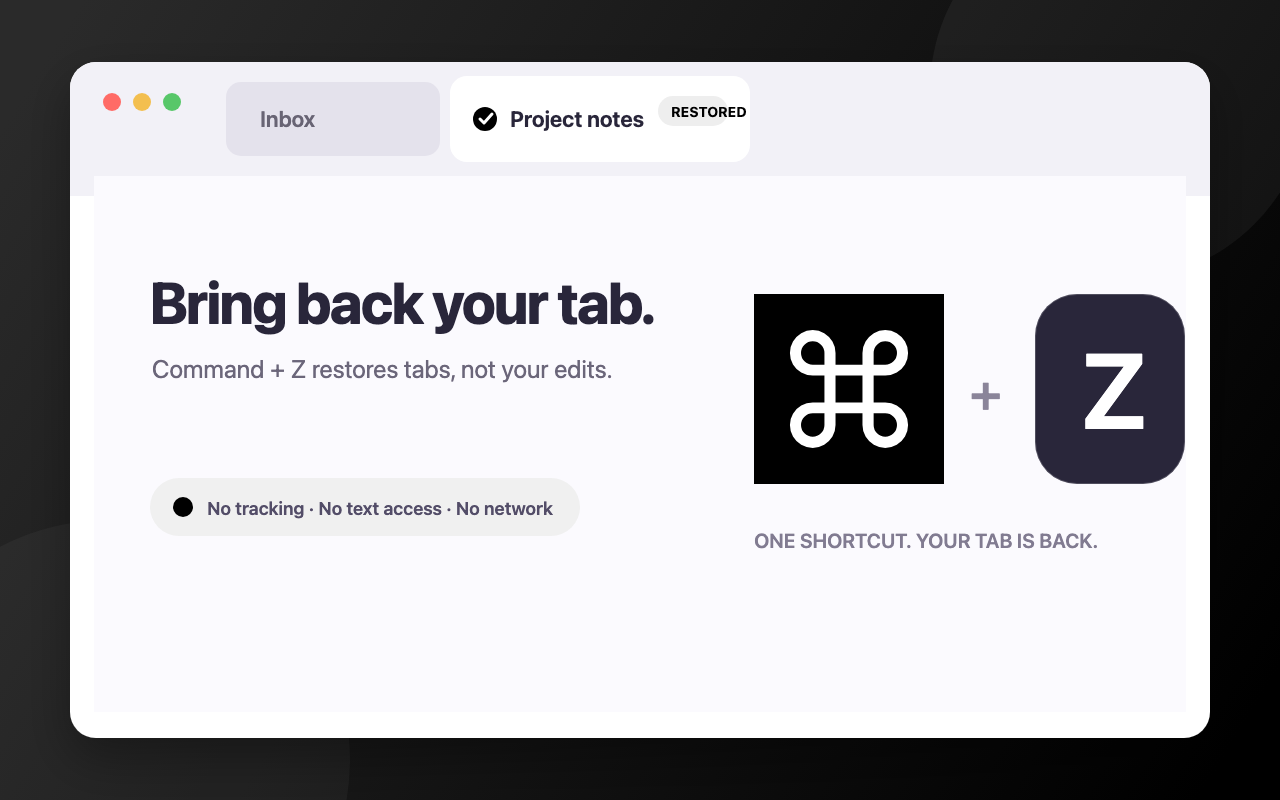
CmdZ is a small extension for Chrome and other Chromium-powered desktop browsers that brings Safari’s Command+Z tab restoration behavior across platforms without stealing Undo from text fields, editors, or web apps.
What it is
A dependency-free Manifest V3 extension built with plain JavaScript. It gives the current page the first chance to handle Command+Z on macOS or Ctrl+Z on Windows and Linux. If neither the page nor Chrome’s native Undo system consumes the shortcut, CmdZ restores the most recently closed individual tab. A dynamically attached listener also covers pages that were already open when the extension was installed or reloaded, while the toolbar icon remains a fallback for browser surfaces where Chrome does not allow page-level listeners.
Why I made it
Safari makes reopening an accidentally closed tab feel immediate with Command+Z. I wanted the same behavior in Chrome without replacing the Undo shortcut that people expect to keep working inside text fields, editors, and web apps.
What I learned
- How to distinguish page-level Undo from a browser action using trusted keyboard and
historyUndoevents. - How to coordinate a content script and service worker safely across installation, upgrades, and extension reloads.
- How to exercise browser-extension behavior with focused Node tests and Chrome end-to-end checks.
- How to design a browser extension with no tracking, network requests, settings, or third-party dependencies.